

Class sheets are important for providing a list of competitors expected in each class for stewards to use and for keeping a paper record of attendance and results on show day.
Even if you are operating using our 'Live Management' system, we recommend having class sheets available in the event of a breakdown in internet connection.
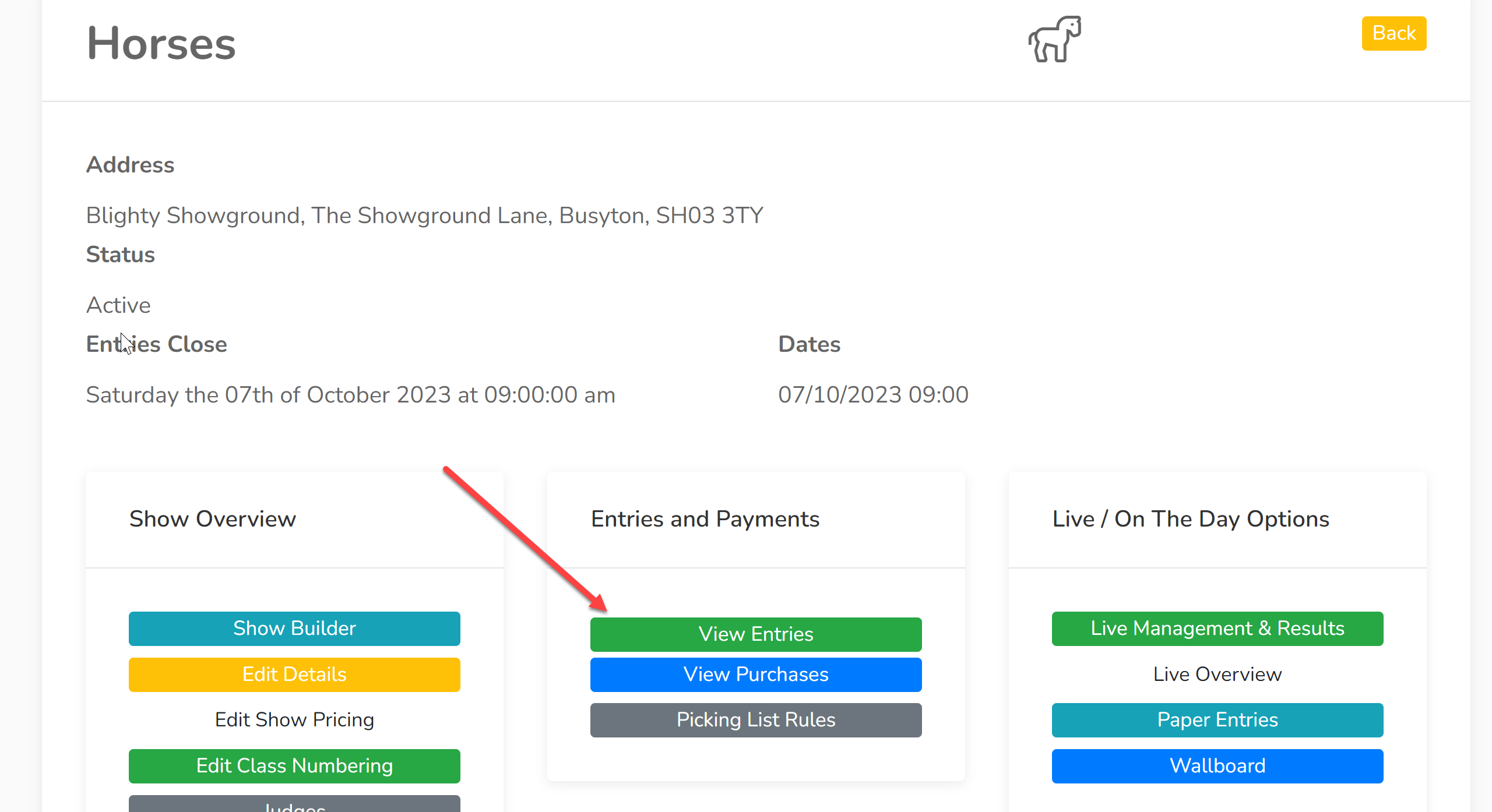
1. Select a section within your show and click 'View Entries':
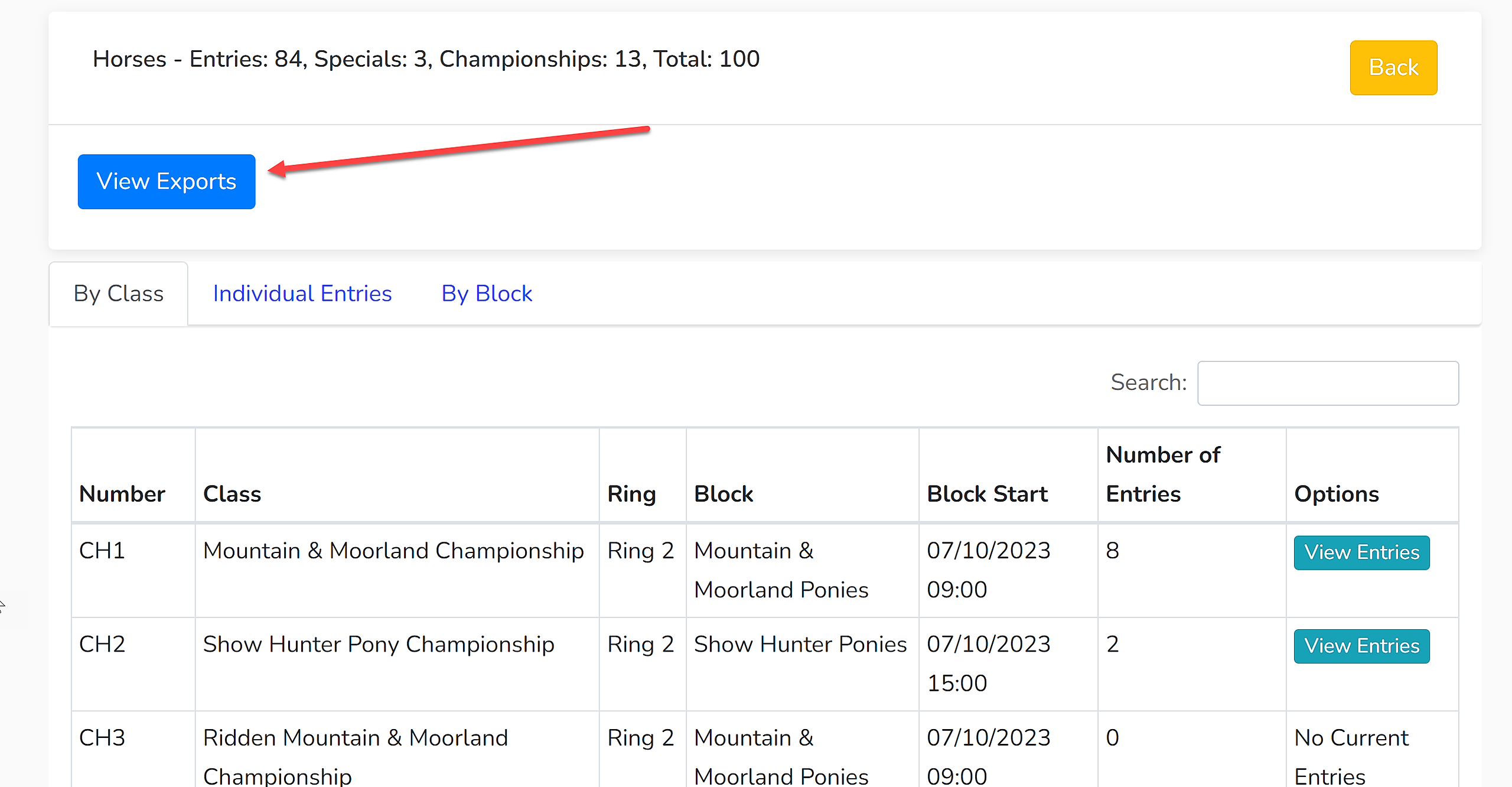
2. To find the class sheet export, click 'View Exports' and select 'Class/Judges/Steward Sheets':
3. You will now be presented with a list of options:
Show Block Start Times - This will provide the start times for the block in which the class belongs. This can be useful in keeping rings running to time.
Include Championship Classes - This will provide sheets for the championships. They will be blank as at this stage, Showing Scene will not know who is eligible. The steward will have to input information/results.
Include Special Classes - Showing Scene automatically pulls in the information of all entries that are eligible for a special prize. This feature will include this information in a sheet dedicated to this special prize.
Include Judges Name & Signature - This can be helpful to stewards to know who is expected to judge each class. A signature may also be required on some results sheets.
Include Stewards Name & Signature - This can be helpful when sorting the class sheets for each steward to use. A signature may also be required.
Enable Column
Include Scheme Number - This creates a column that contains each competitors' individual number.
Include Exhibitor - This creates a column that includes the exhibitor's name.
Include Entering Object - This creates a column that includes the name of the entering object if you are using a section that saves this data (e.g. cattle, horses).
Include Height - This is only available in Horse Sections. It is useful if you are hosting a mixed height working hunter class.
Include Attendance Input Column - This is useful for recording which exhibitors have come forward for future data processing.
Include Results Input Column - This is critical for recording placings.
4. Click 'Export'. This will download the document to your device.