

Catalogues are produced within each section and are best previewed and prepared when entries begin coming in.
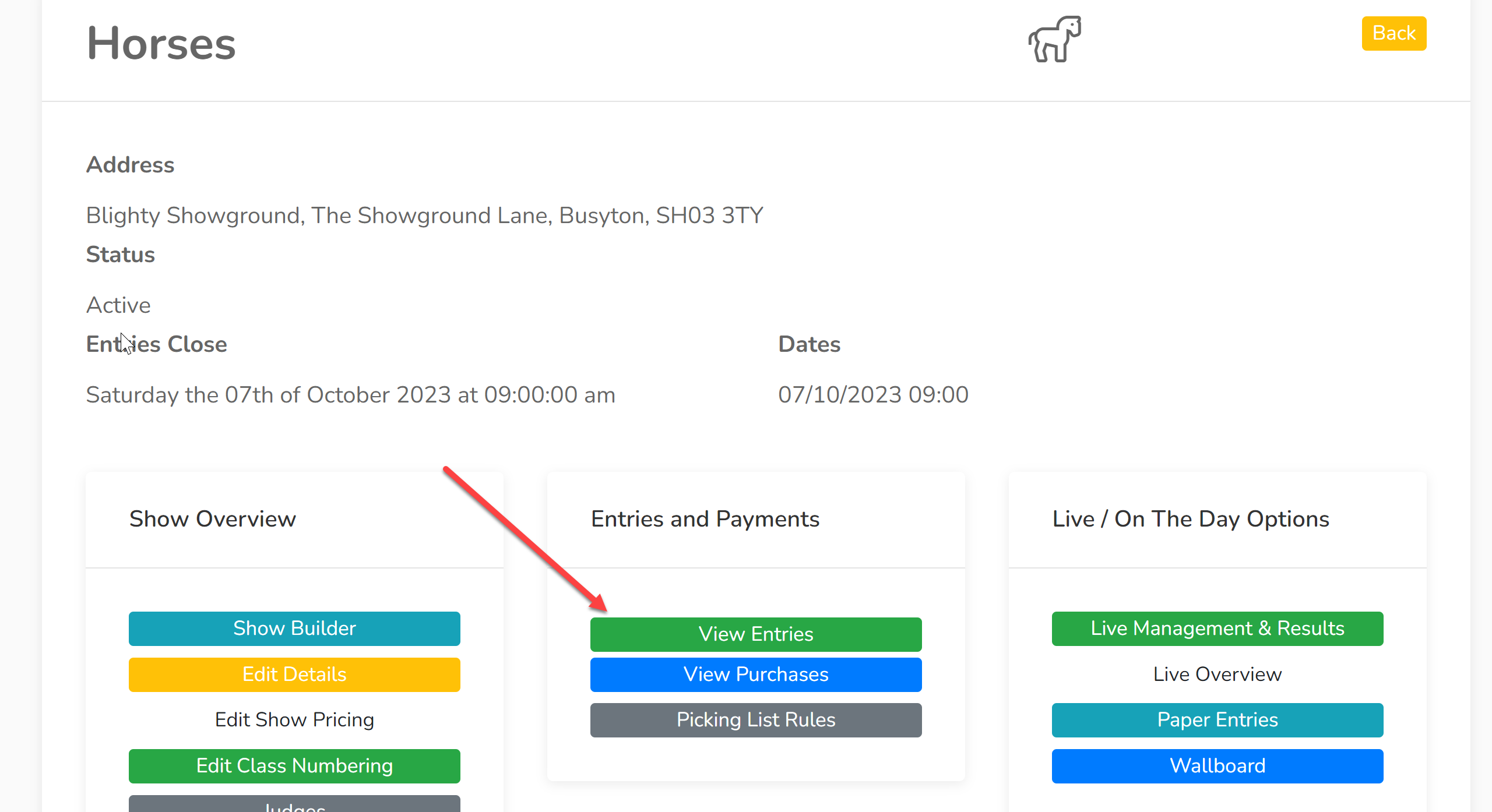
1. Select a section within your show and click 'View Entries':
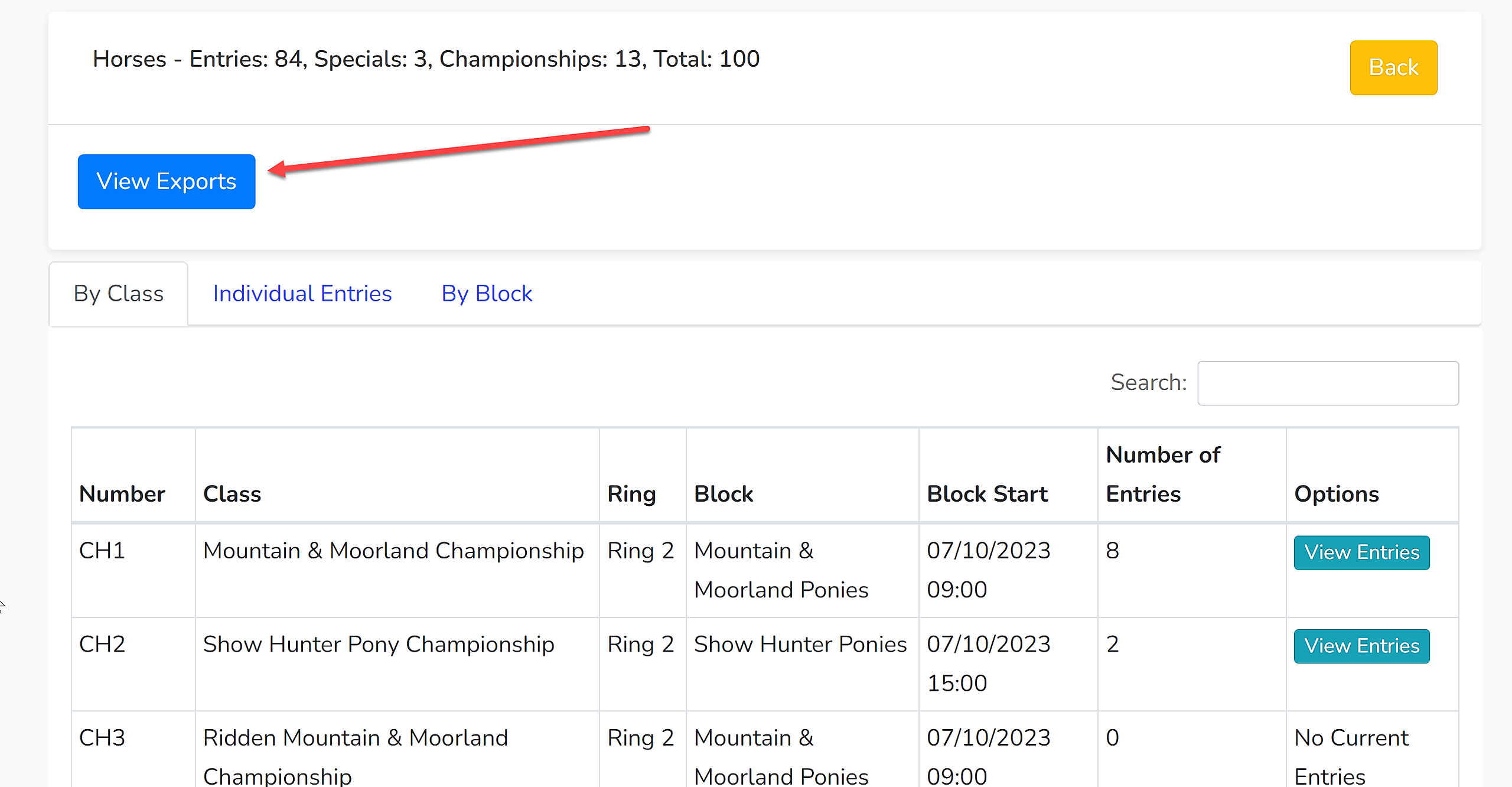
2. To find the catalogue export, click 'View Exports' and select 'Catalogue':
3. You will now be presented with a list of options:
Export Format - There is the option of exporting to Word or PDF. Most shows use Word so the catalogue can be readily edited.
Ordering
Schedule - This orders your classes by block based upon the timings you have input into Showing Scene.
Class Number - This presents the classes in number order.
Include... - Select the fields you wish to be included in your catalogue.
The final options give you the opportunity to include additional formatting to your catalogue.
4. Click 'Export'. This will download the document to your device.
To edit the content and formatting of your catalogue, click here for more information.