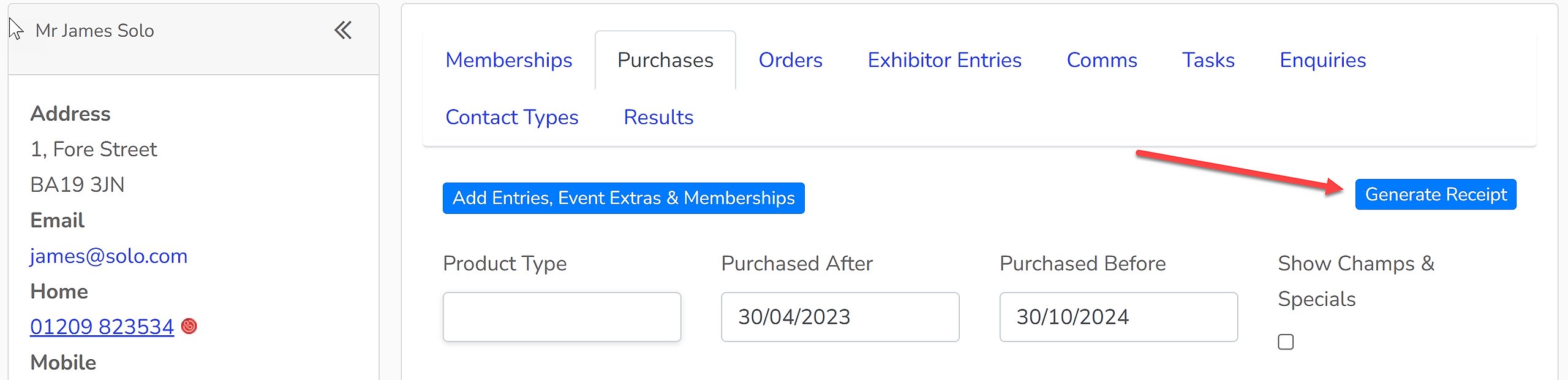

Showing Scene automatically issues a confirmation of payment email to all users following any purchase through the system. However, sometimes there are occasions where a more formal receipt may be required to be issued.
1. Search for the client within the CRM and open their account.
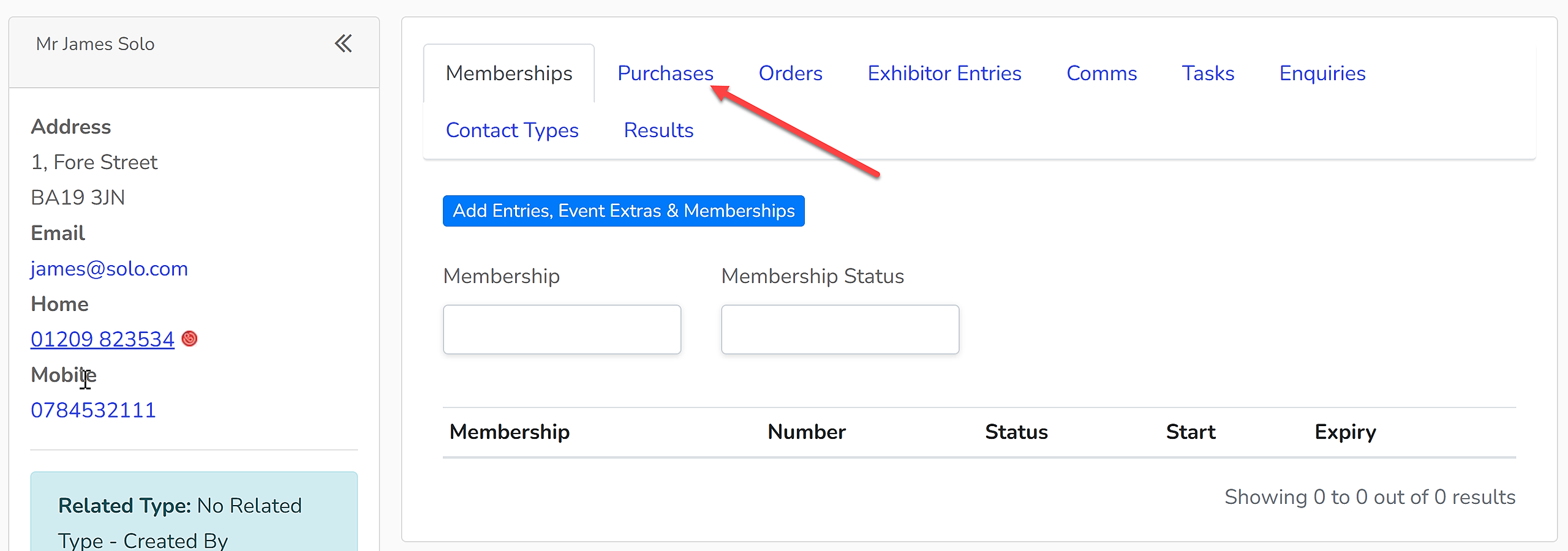
2. Select the 'Purchases' tab.
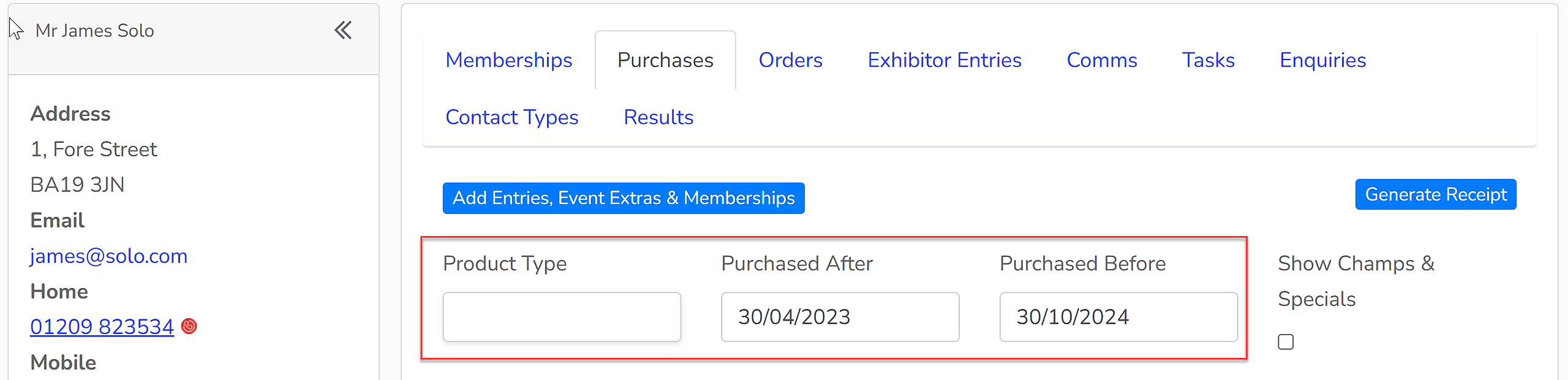
3. The products showing in this list will be what will appear in the receipt. So, use the 'Product Type', 'Purchased After' and 'Purchased Before' filters if the list needs to be adjusted before a receipt is generated. Refunds will also be shown on the receipt.
4. Click 'Generate Receipt' to download a receipt to your device. This can then be emailed to the client if required.