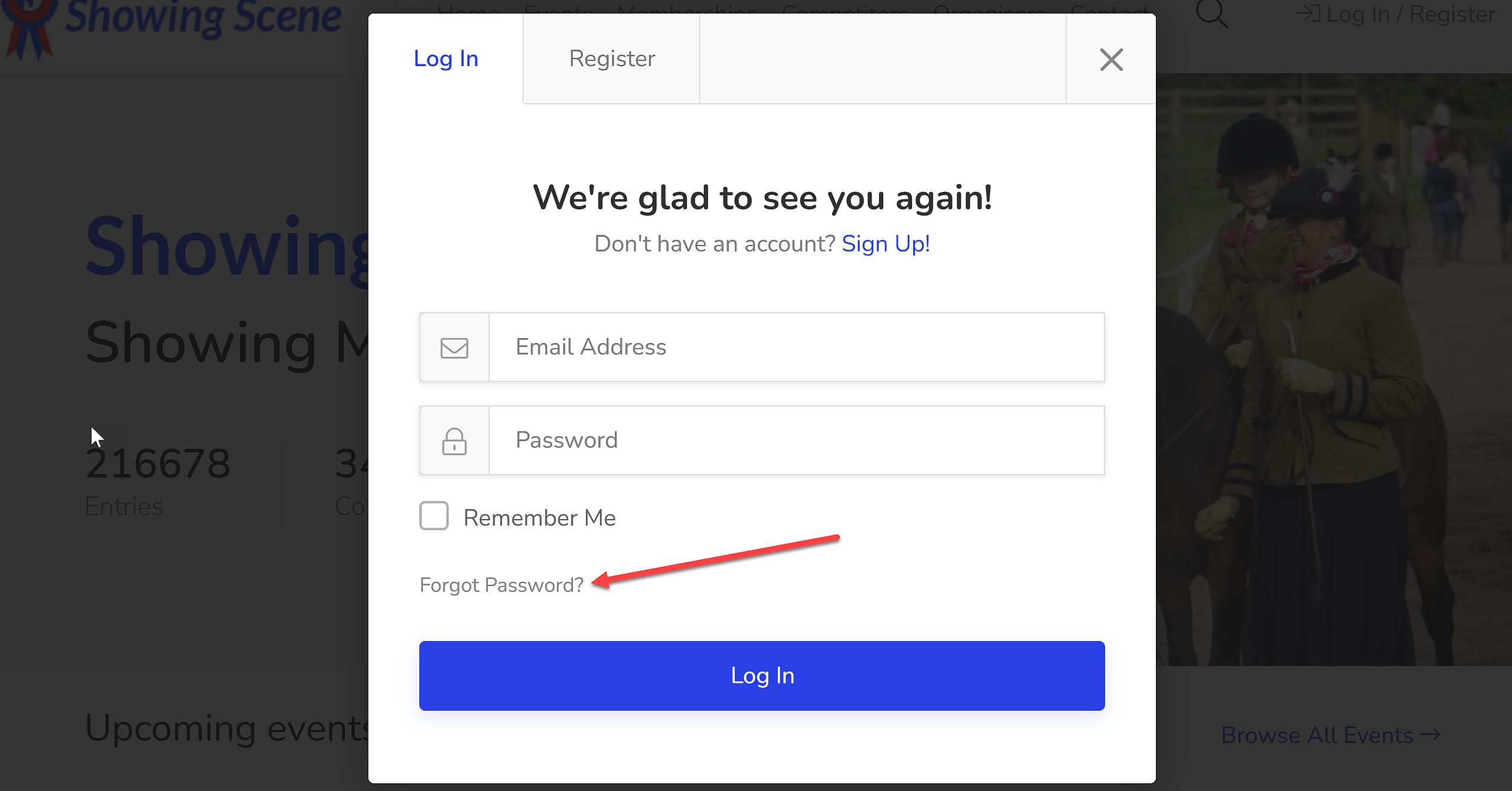

1. Log into Showing Scene.
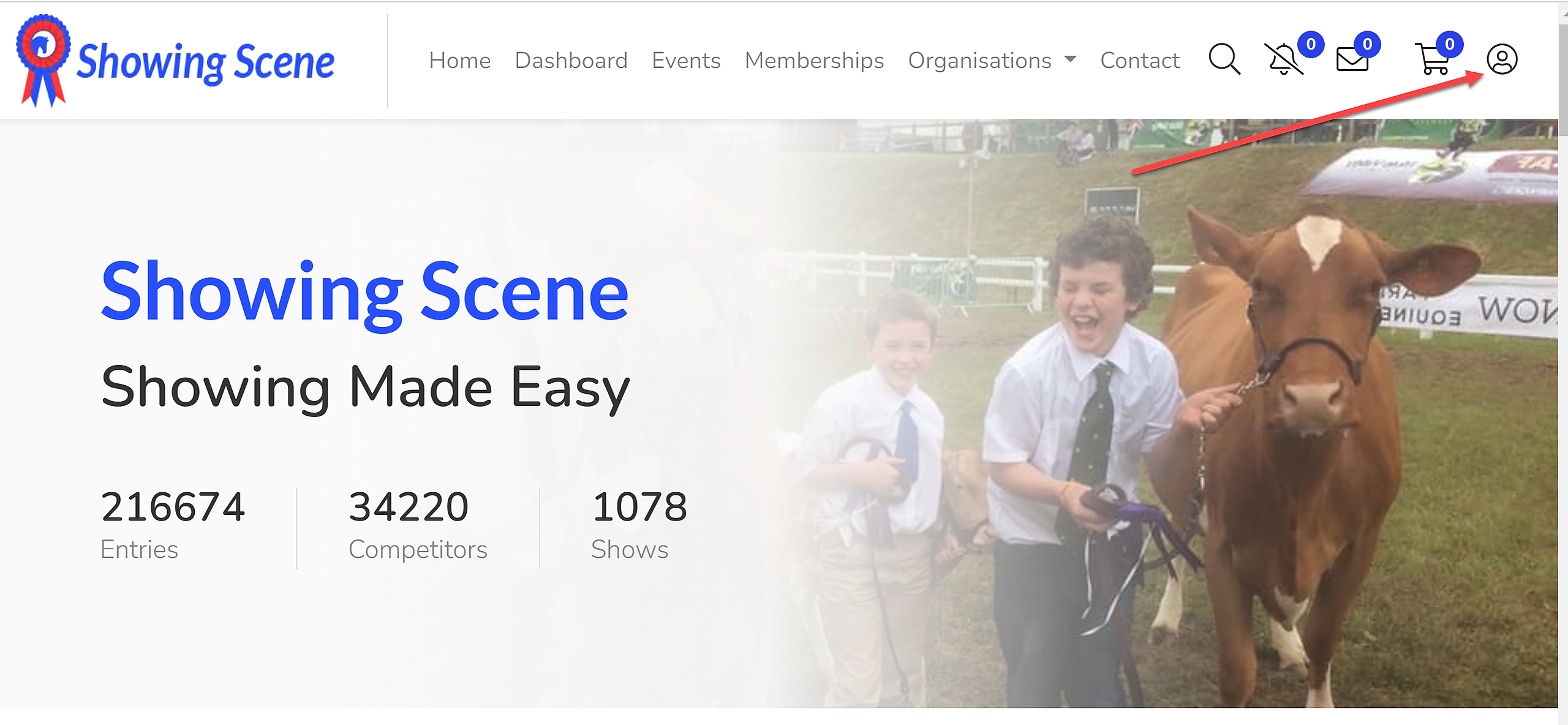
2. Open 'Your Account' by clicking the icon at the top of the screen shown below:
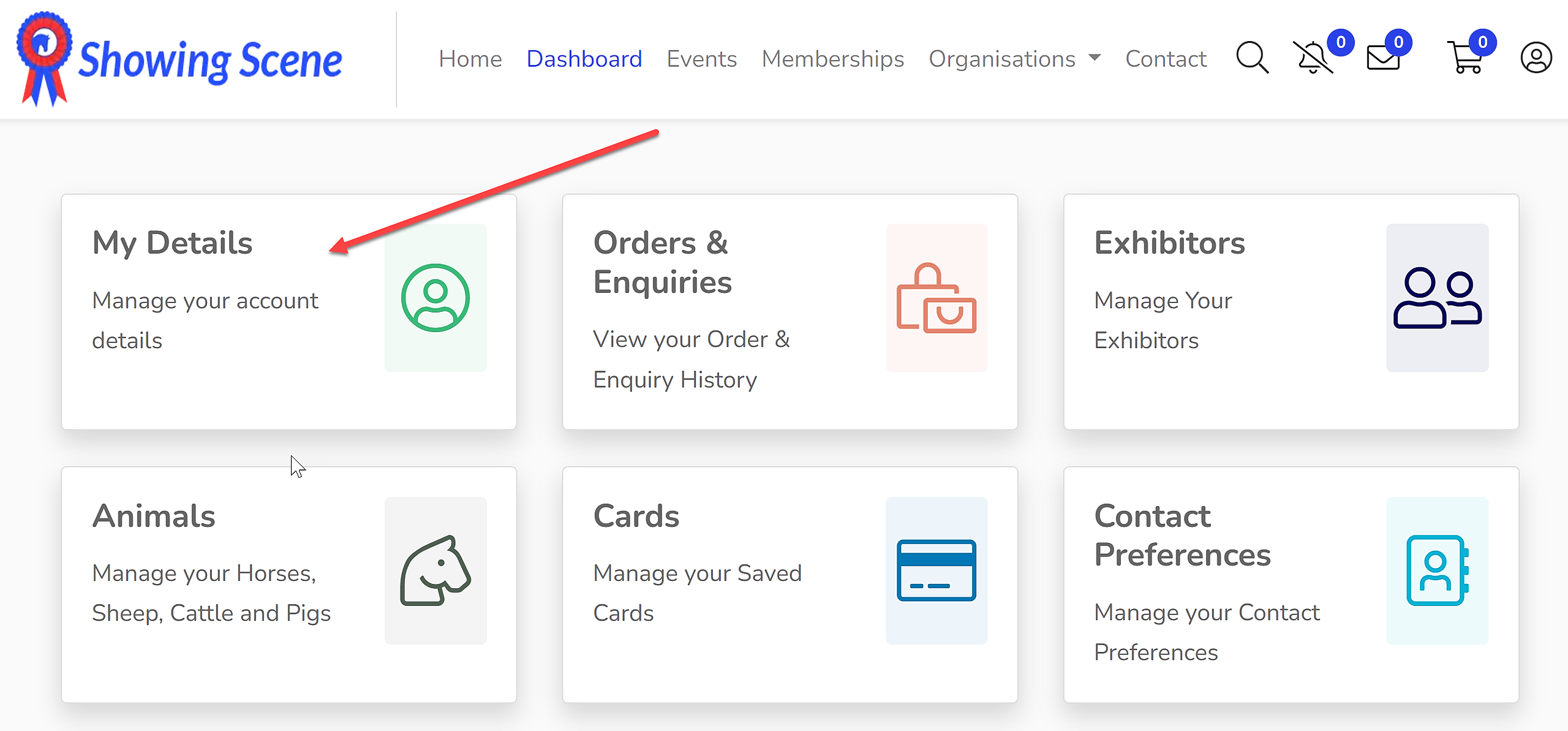
3. Select 'My Details':
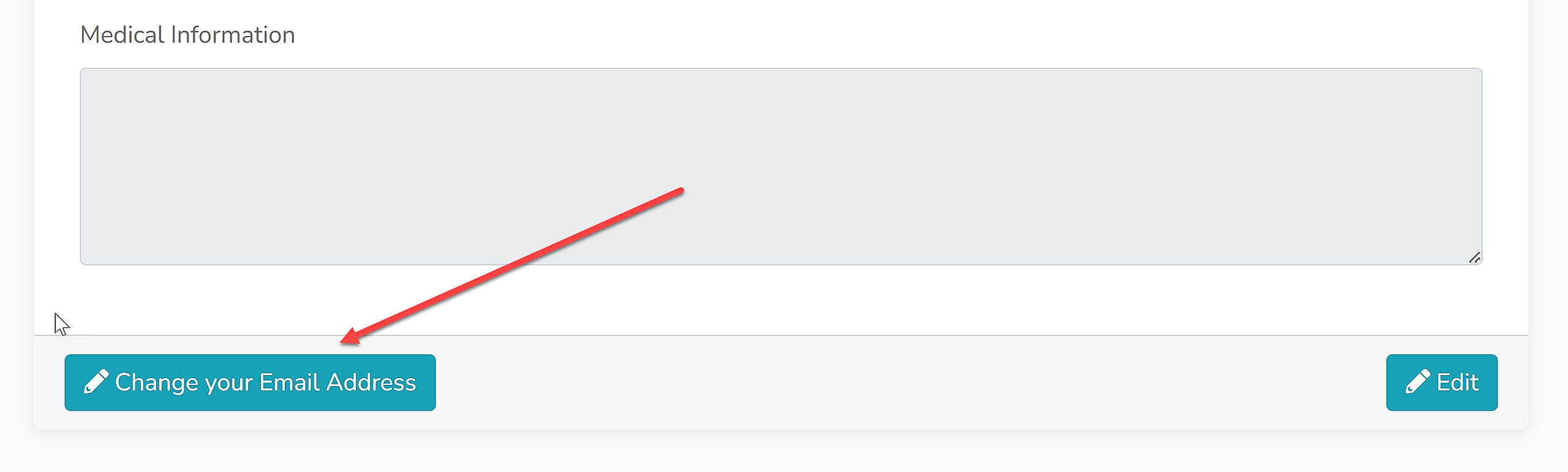
4. Click 'Change your Email Address' at the bottom of the page.
5. Input your new email address, confirm your new email address and input your password before clicking 'Save' to save your changes.
Forgotten Password?
If you have forgotten your password, first log out of Showing Scene. On the log in page, there is a 'Forgot Password?' option. Remember, you must have access to the email address currently registered on your account in order to create a new password.