

1. Within your Settings drop-down, select 'Users'.
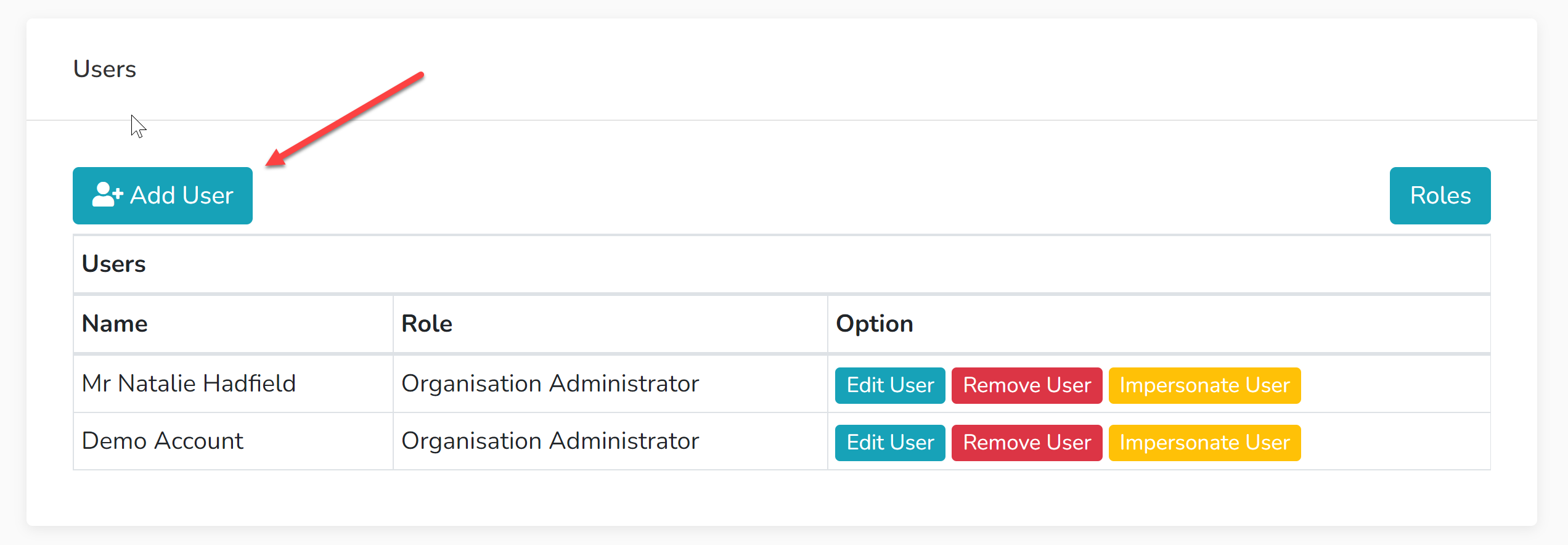
2. Select 'Add User'.
3. Input the user's email address - if they already have a Showing Scene account, use the email address associated with their existing account.
4. Select the 'Role' you would like to issue them with. The 'Organisation Administrator' has access to all areas of your organisation. The other roles can be edited with instructions here.
5, Leave a message for the individual so they know what the invitation relates to.
6. Select 'Send User Request'. If the user already has a Showing Scene account, when they log in, they will get an invitation to join your organisation. If they do not have a Showing Scene account, they will receive an email inviting them to make an account in order to join your organisation.