

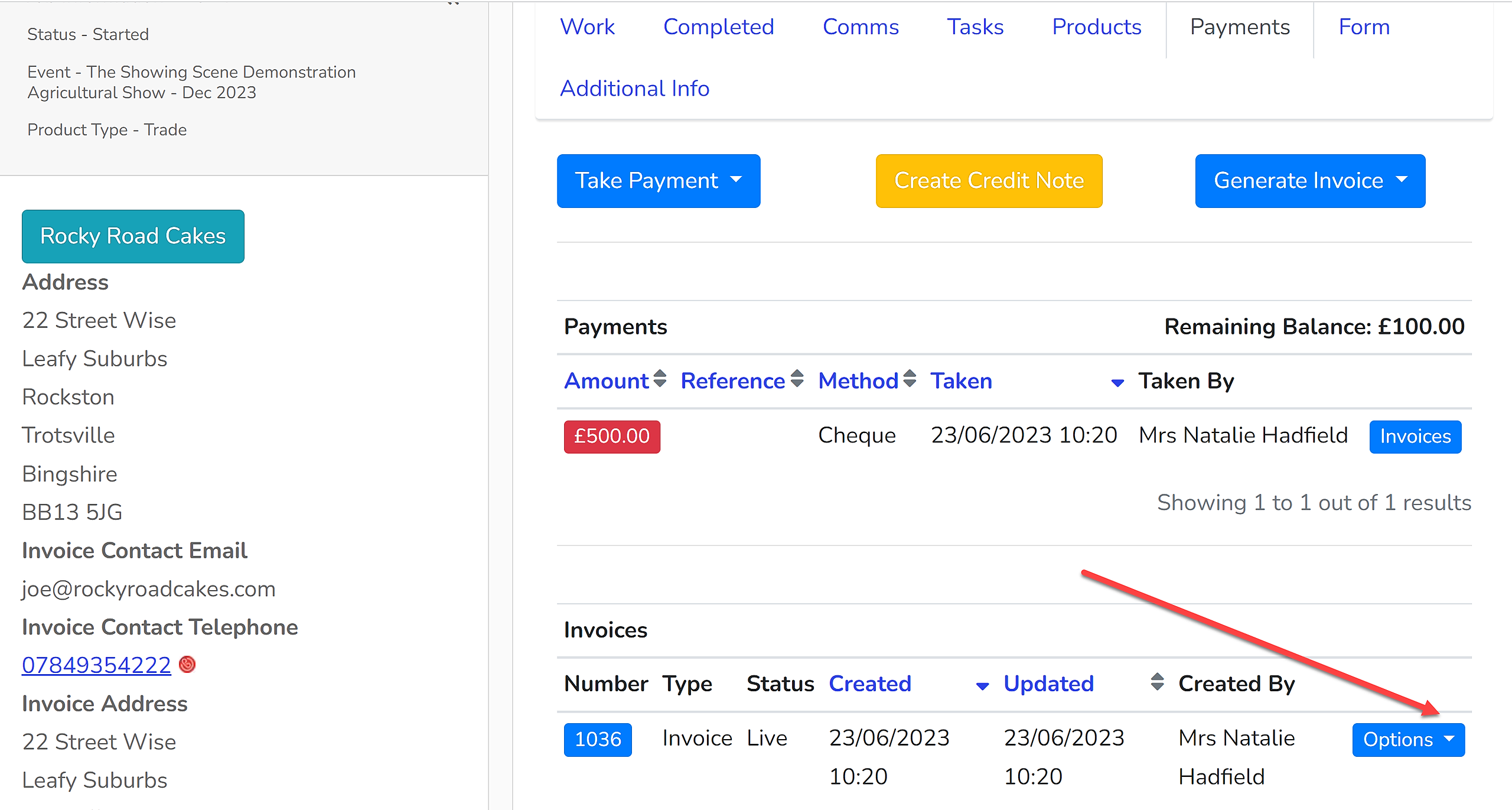
Open the Enquiry and click on the 'Payments' tab. Next to the relevant invoice, use the 'Options' dropdown menu to select 'Cancel'.
Check the invoice number is correct on the pop-up window and click 'Cancel Invoice'. If it is not the correct invoice number, click 'Cancel'.
For cancelled invoices, a credit note will automatically be raised against the invoice.