

The company address published on an invoice is taken from the address within the 'Company Details' section, unless a specific 'Invoice Address' has been collected. However, this data can only be included within the invoice if it has been gathered on the entry form. If not, an address will not be included.
To change the address on an invoice:
1. Open the enquiry the change relates to.
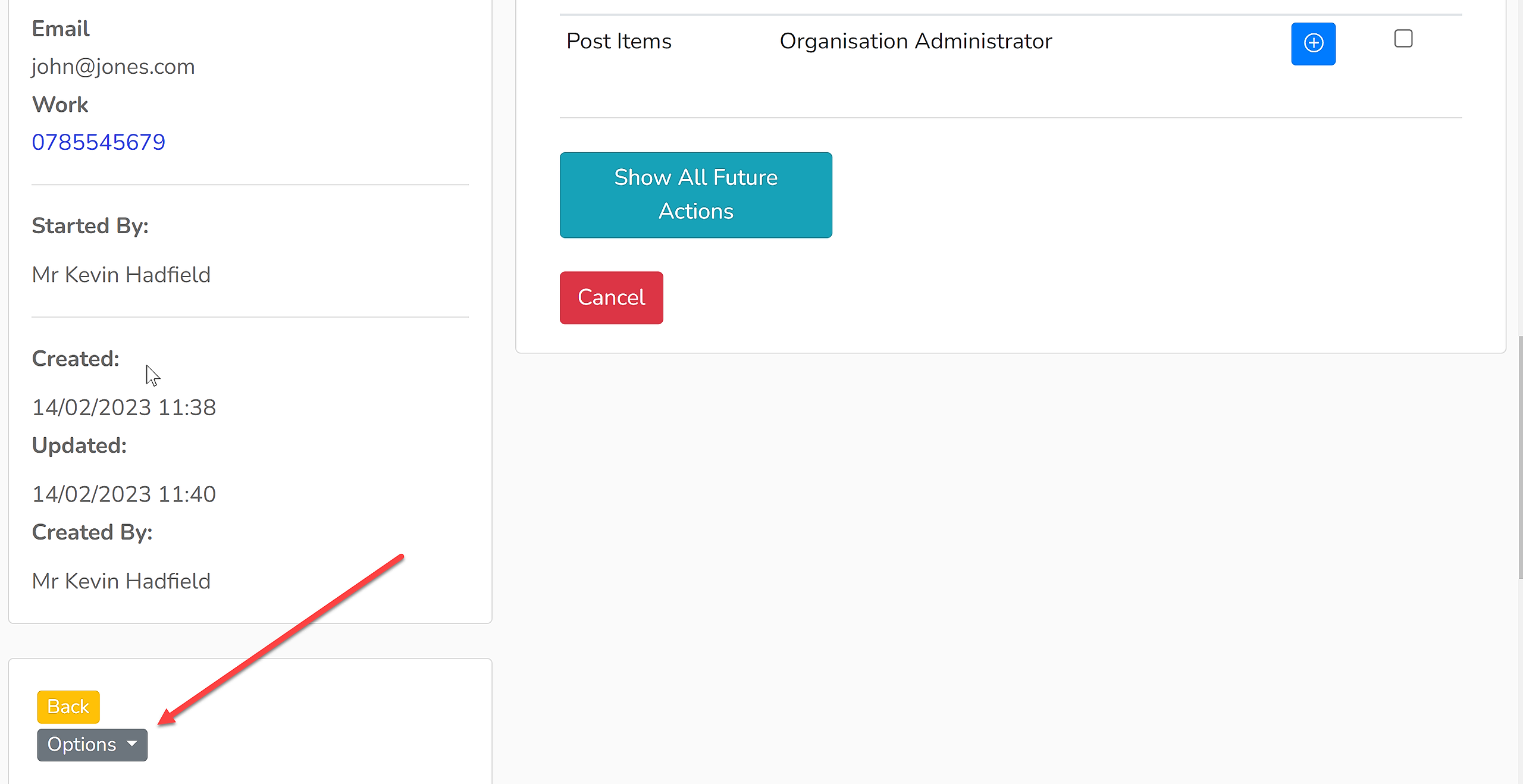
2. Under the Company/Contact details, click 'Options' and select the option to edit the contact's details from the dropdown menu - in this example 'Edit Mr John Jones'. This will open up a page to edit the contact's details and their company and invoice addresses.
3. This example enquiry has only the company address loaded in. Below is where the invoice address can be added:
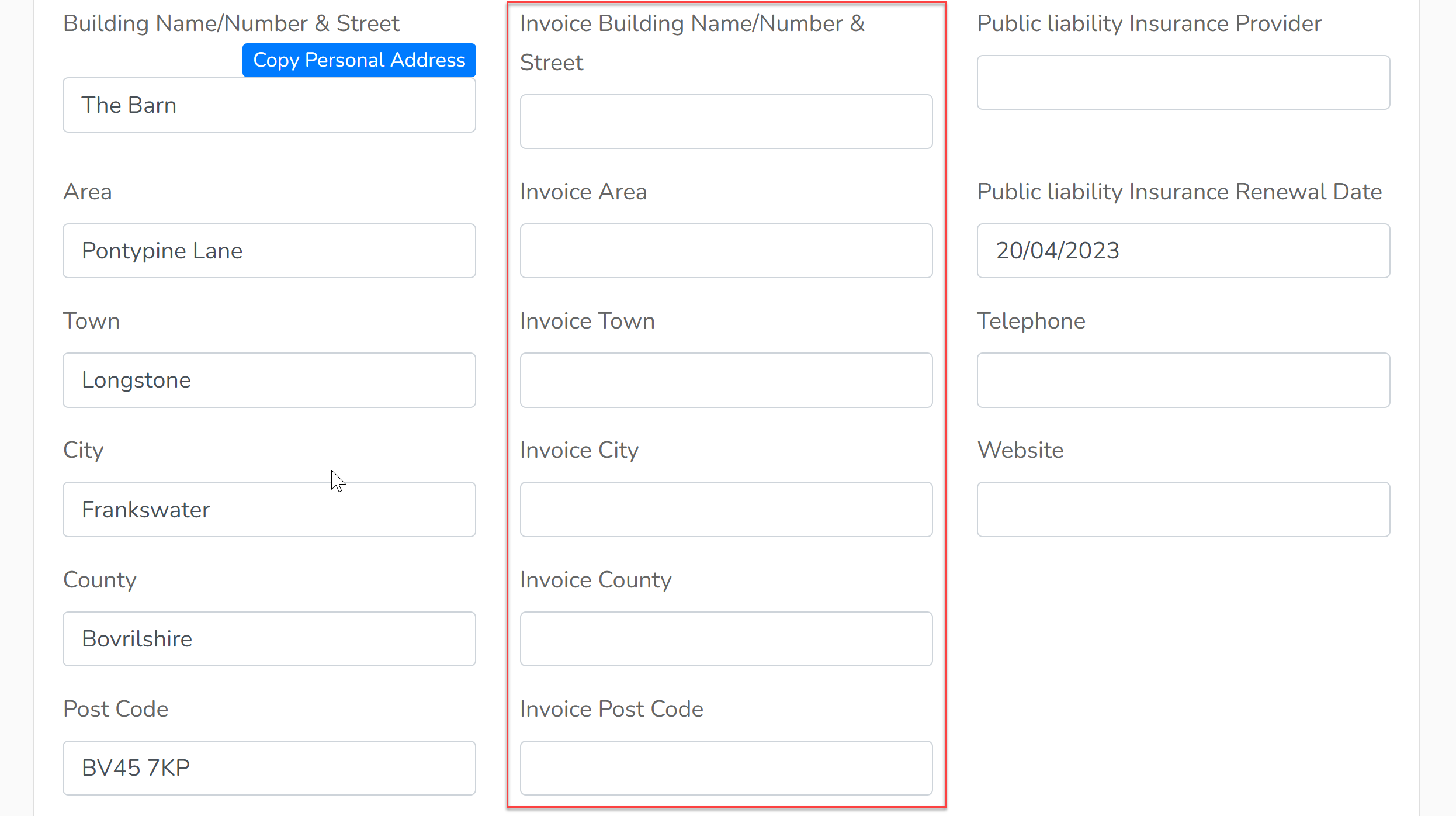
The address can either be added, if it is not already included, or overwritten if it needs to be changed.
4. Save the changes.
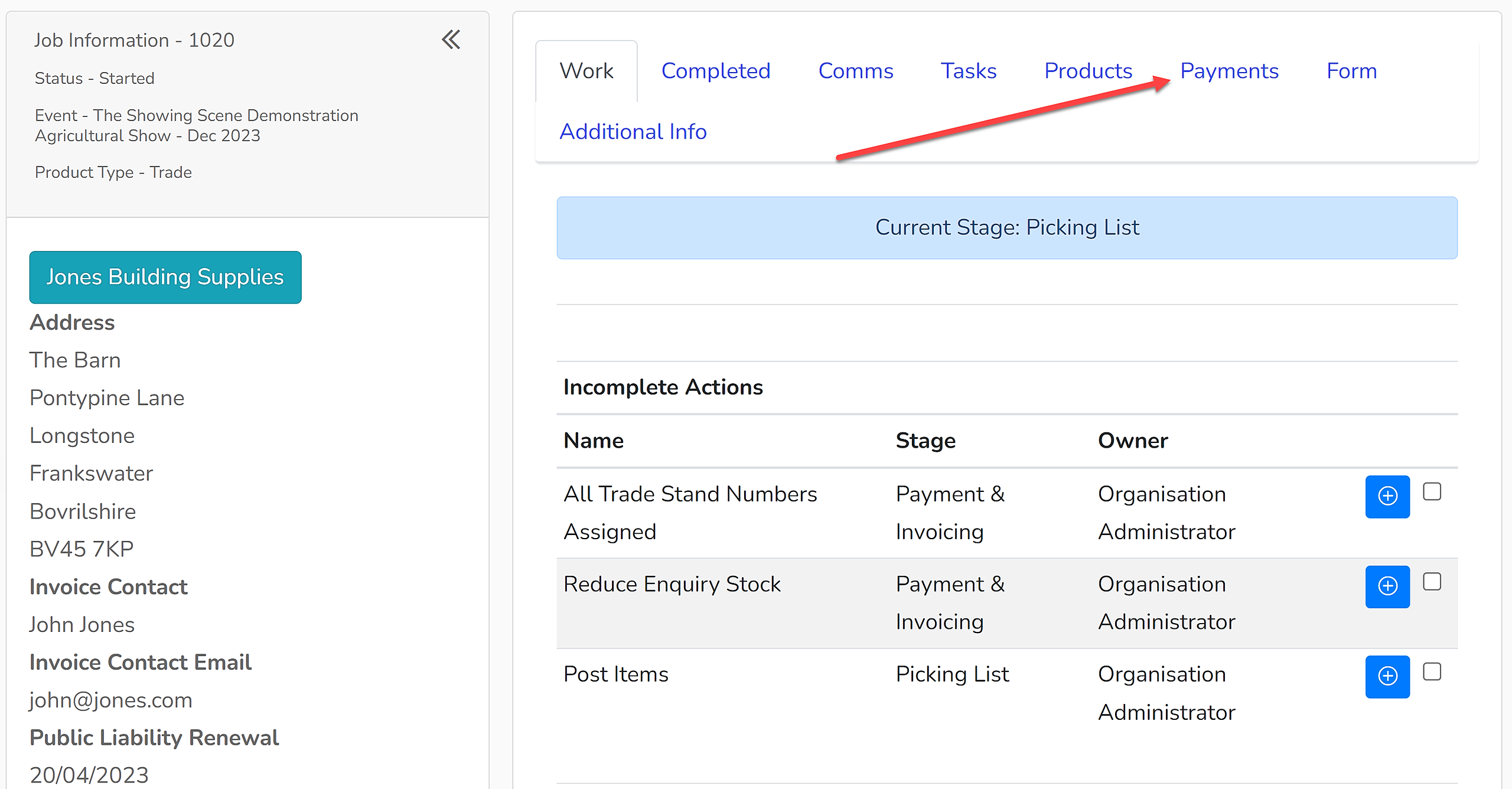
5. Click on the 'Payments' tab.
6. Beside the relevant invoice, click 'Options' and select 'Update Address' from the dropdown menu.
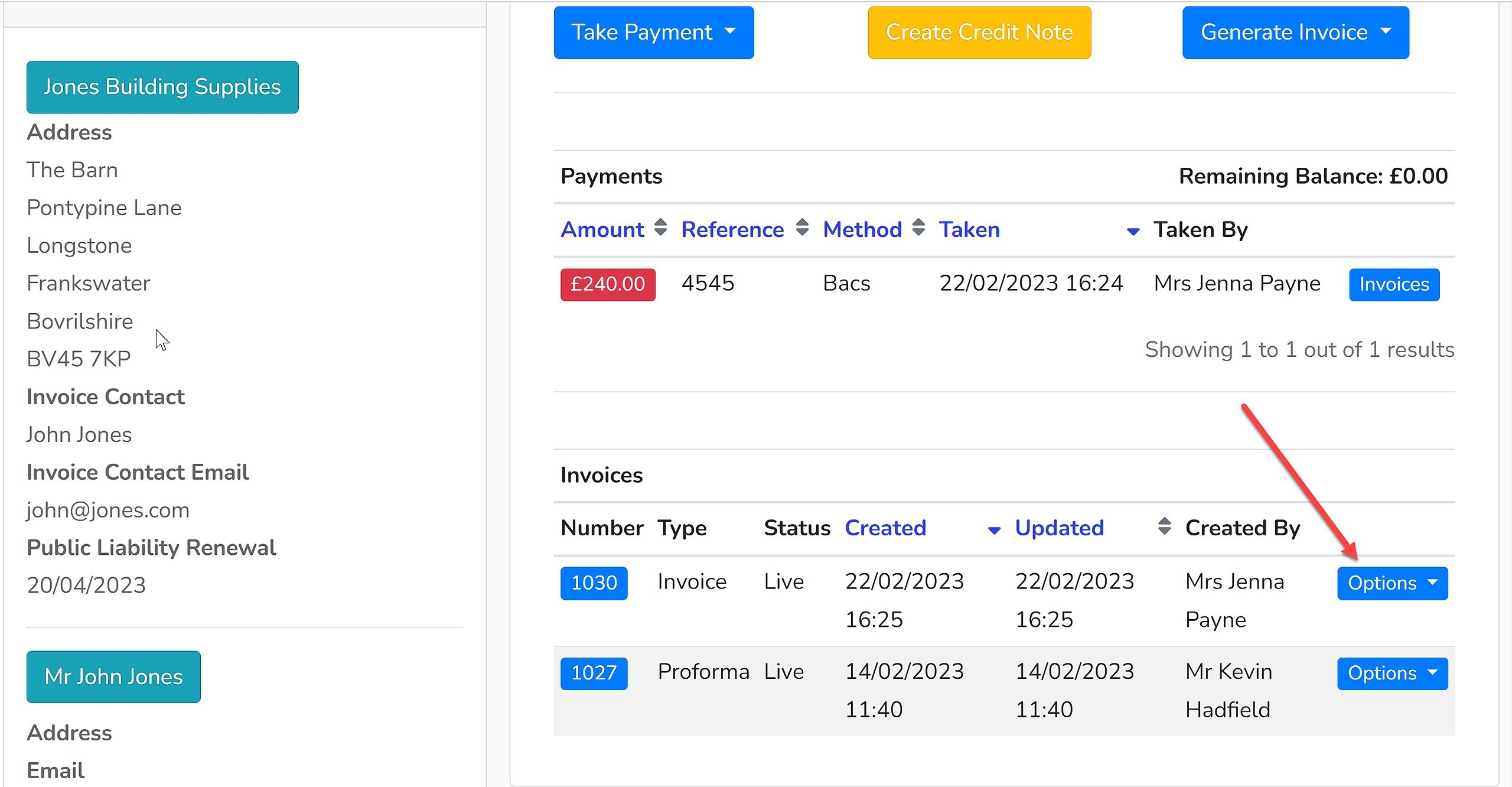
7. You will then be asked to confirm that you wish to update the address on that invoice, select 'Update Address' to proceed. The address on that invoice will then be updated. Download the invoice in order to reissue it.