

Payments that have been taken through Showing Scene will automatically appear under the 'Payments' tab. However, if you are taking payments outside of the system, these will need to be logged against the correct enquiry to ensure your records and accounts reports are accurate. You can also take a card payment from the customer over the telephone, through Showing Scene.
First, select 'Take Payment':
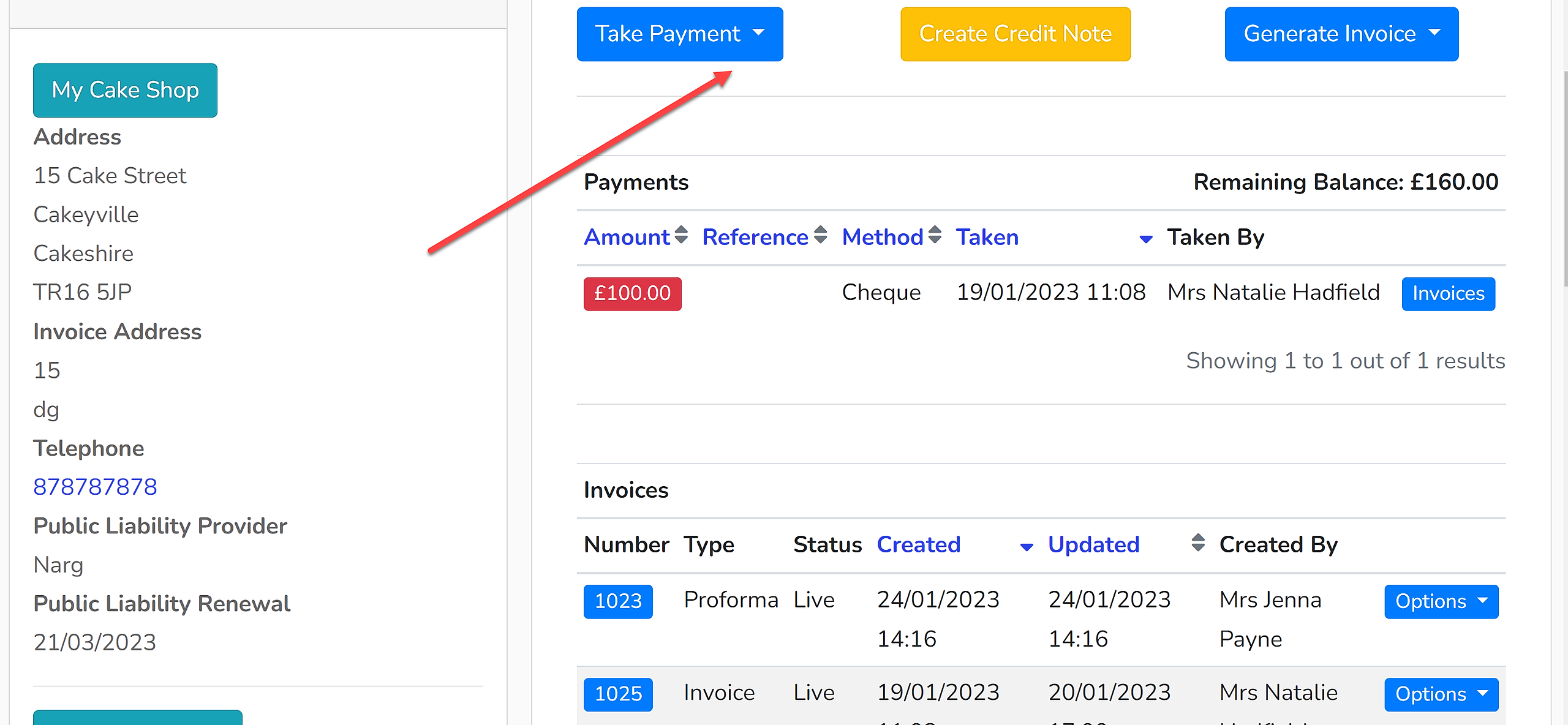
The dropdown menu will give you the option of 'Phone' or 'Bacs/Cheque/Other'.
Phone
To take a card payment from the customer on the phone, use this option. It will open up a window to input their card details and payment will be taken via Stripe.
Bacs/Cheque/Other
To register that a payment has been made via an alternative method, use this option. It will open up a new window to input the payment amount, the payment reference number (BACS reference, or cheque number for example) and the method of payment.
Once the details have been input, click 'Save Payment'. The payment will appear in the list of payments that have been made and the balance on the account will be updated accordingly.