

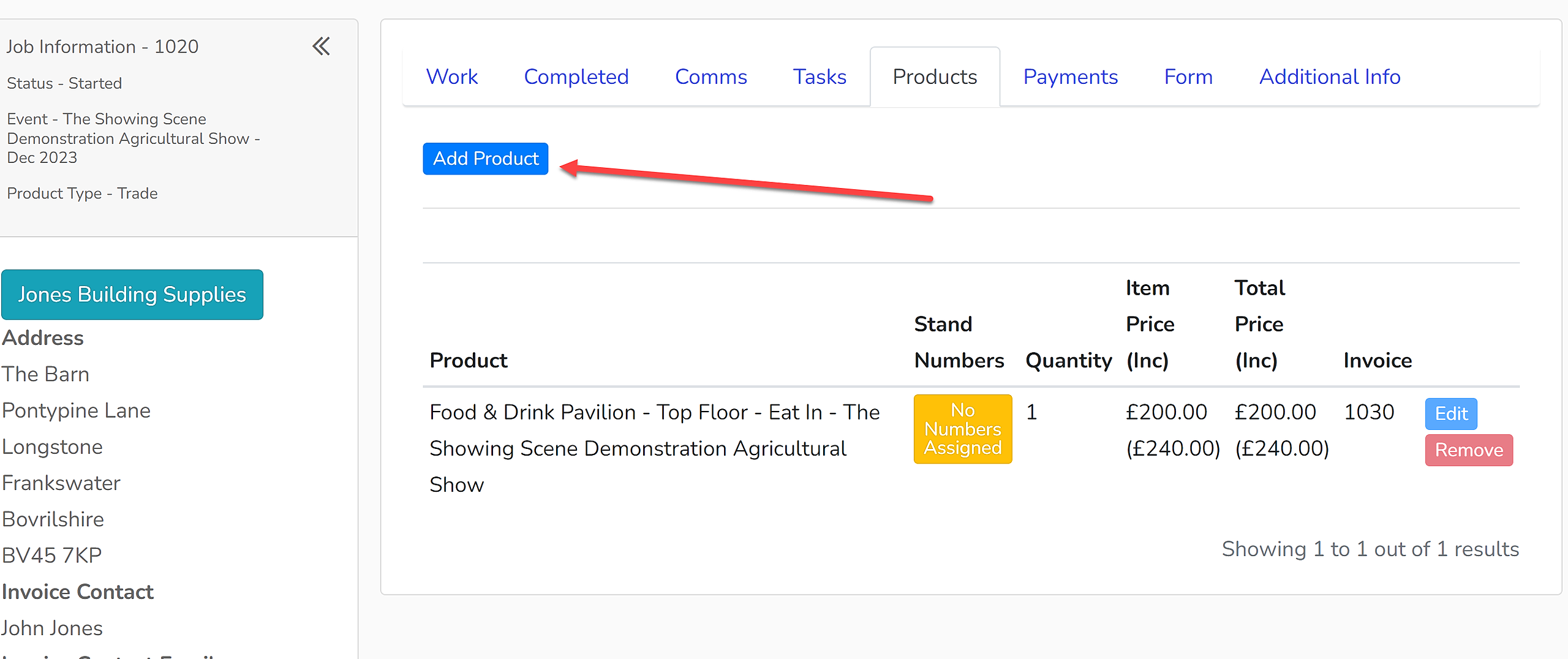
1. Open up the Enquiry to which you wish to add a product.
2. Select the 'Products' tab.
3. Select 'Add Product':
4. Use the dropdown menu to select a product to add to the enquiry. The list will include all your trade and sponsorship products.
5. Input the number of products being purchased and check that the price is correct - amend it if required.
6. Click the 'Save' button.
The new trade or sponsorship product will now be added to the enquiry.